Mastering Hyper Light Breaker's Hoverboard: A Comprehensive Guide
Hyper Light Breaker's Overgrowth is vast, and traversing its randomly generated Synthwave landscape can be a challenge. Luckily, you have access to a hoverboard from the very beginning, significantly boosting your movement speed. This guide details how to use it effectively.
How to Summon the Hoverboard
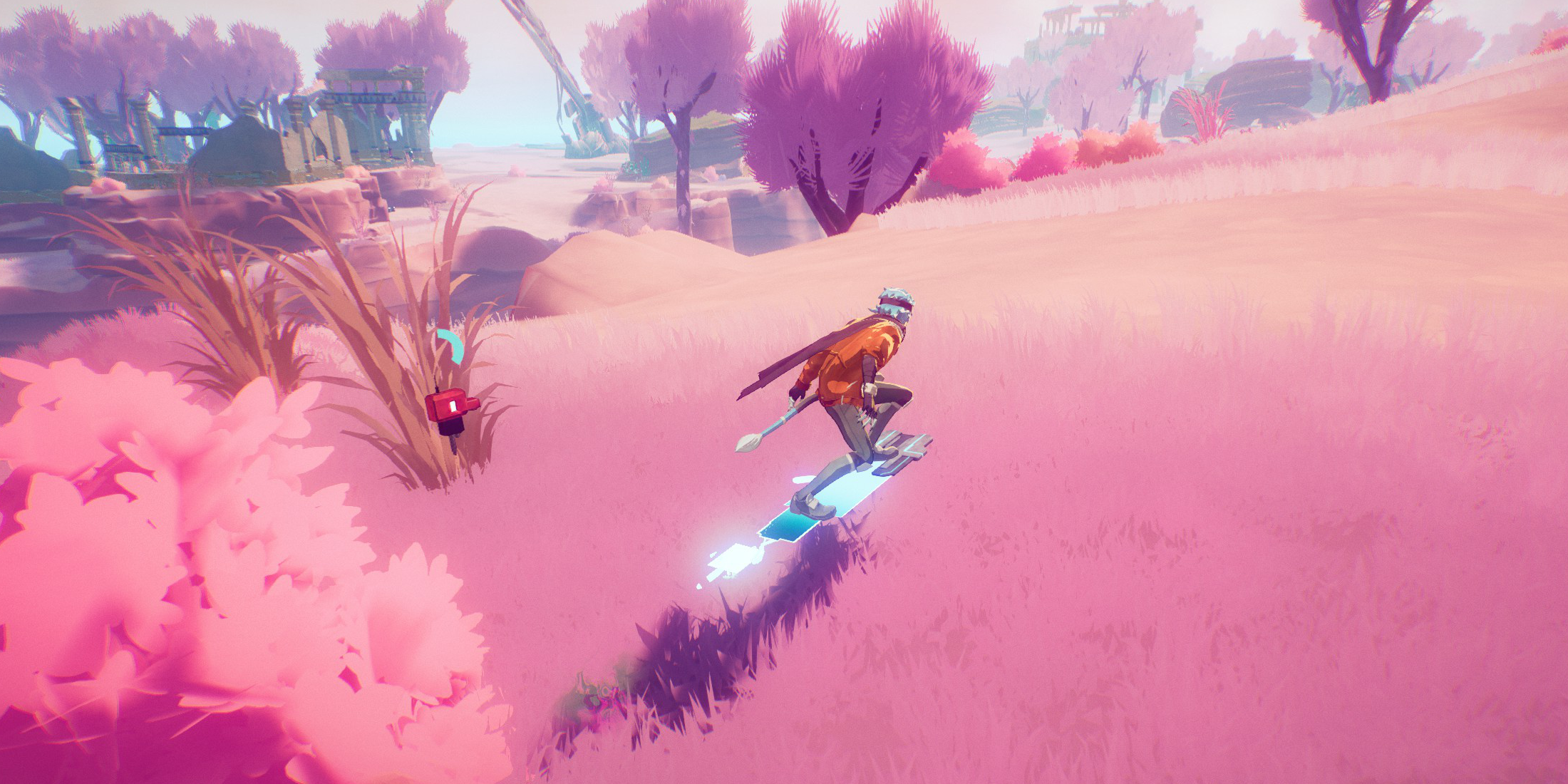 Summoning the hoverboard is simple: hold down the dodge button. Your character will dash forward and automatically mount the hoverboard as long as you continue holding the button.
Hoverboard Controls and Deactivation
Movement is intuitive. The left analog stick controls direction; leaning increases with speed, making slower turns easier. To dismount, simply release the dodge button. The hoverboard will also automatically deactivate if your energy runs out. Your current energy level is displayed near your companion. Remember to dismount briefly to replenish energy before it depletes completely.
Advanced Hoverboard Techniques and Uses
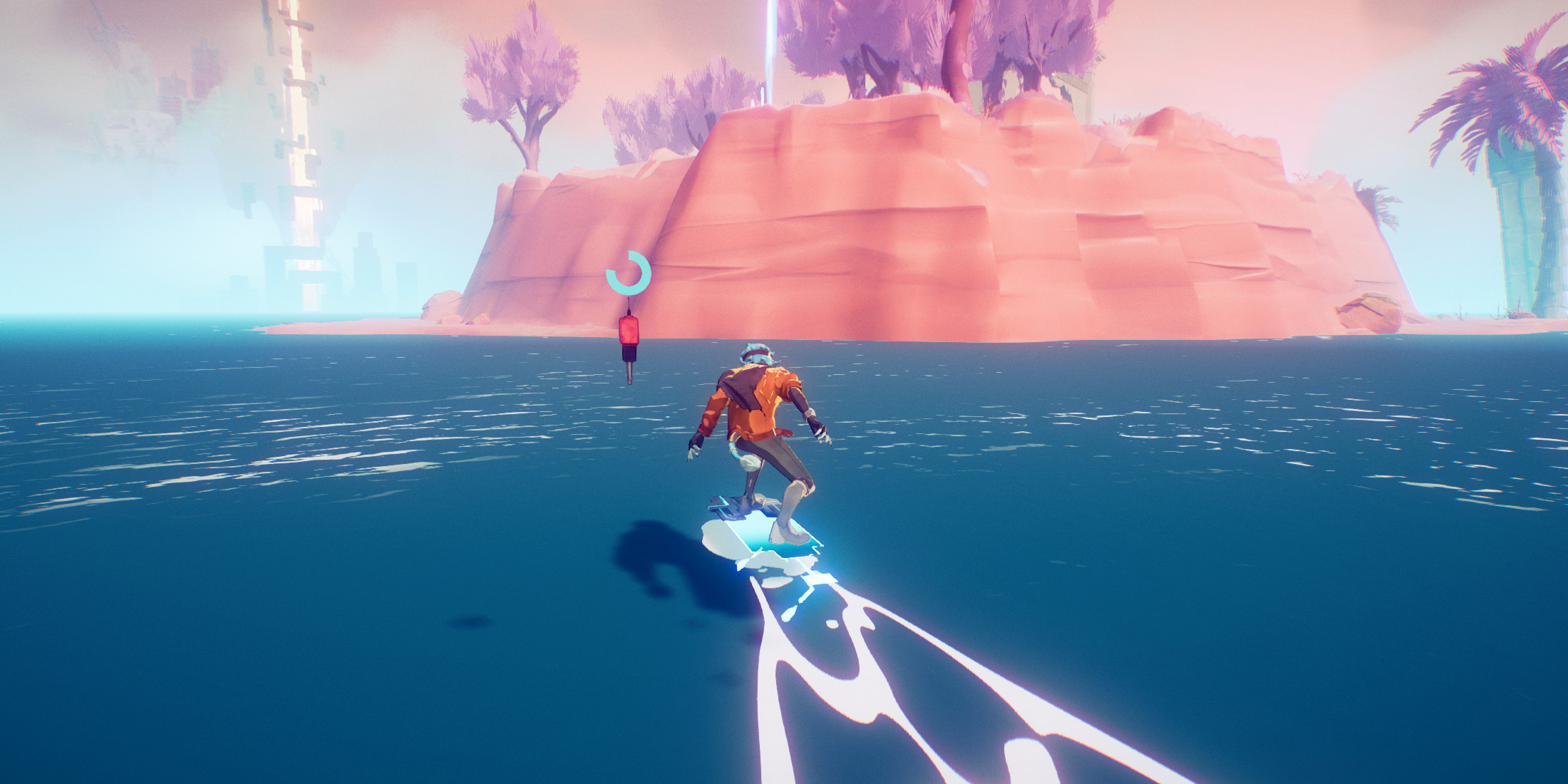 While the hoverboard doesn't allow for tricks or attacks, it offers several key advantages:
-
Water Navigation: The hoverboard floats on water, allowing you to seamlessly cross rivers and inlets without interruption. You must already be on the hoverboard when entering the water for this to work.
-
Enhanced Jumping: Holding the jump button while on the hoverboard allows you to crouch and prepare for a jump. While you can't double jump, the increased speed allows for longer jumps and crossing wider gaps. Crouching doesn't increase speed or jump height.
This guide provides a complete overview of the hoverboard's functionality, empowering you to navigate the Overgrowth with speed and efficiency.