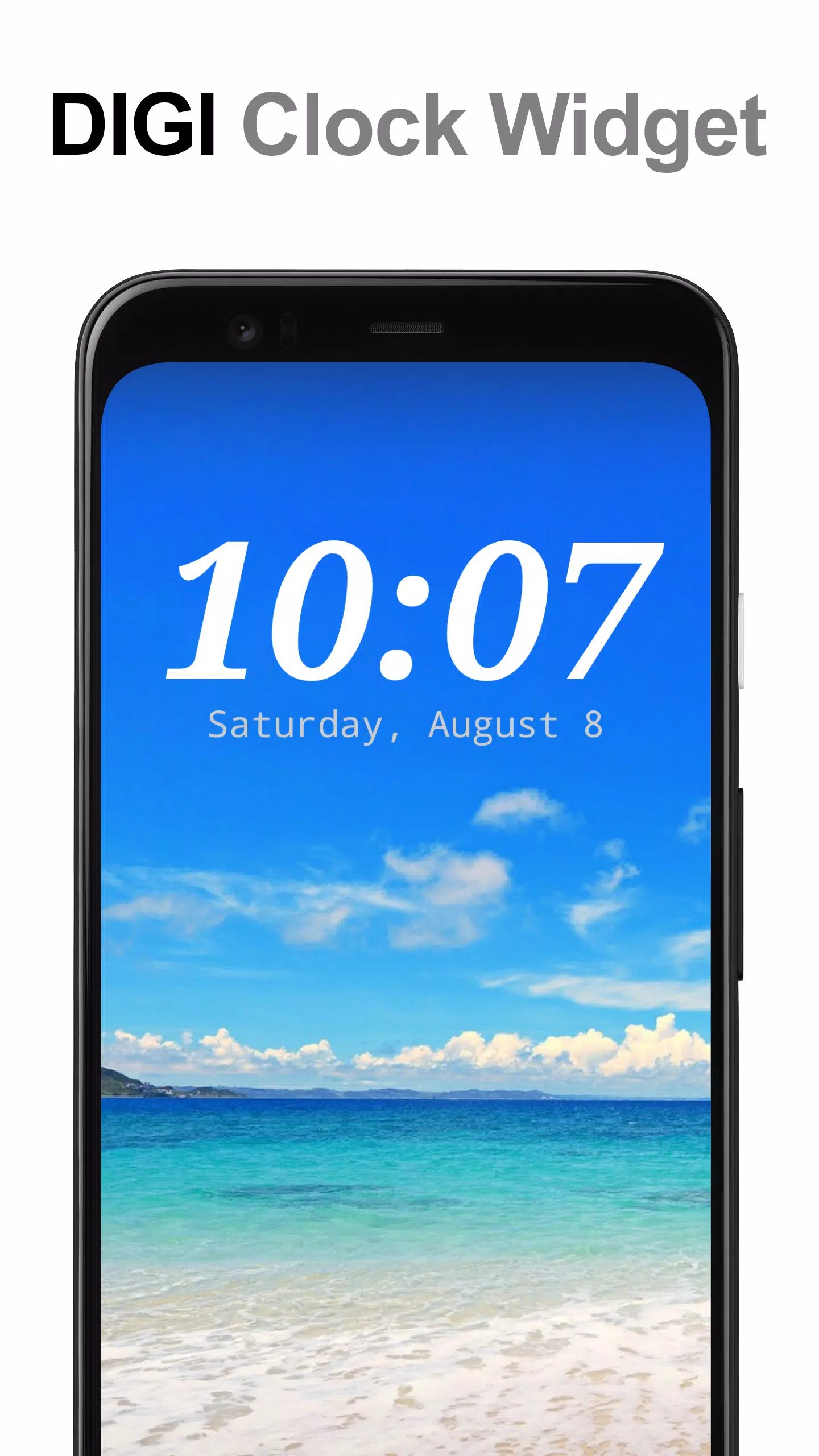
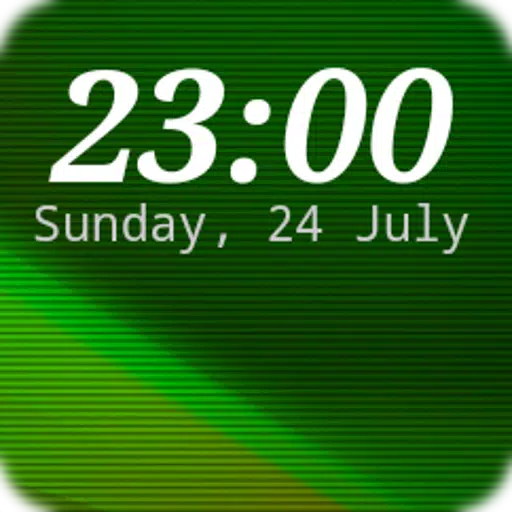
Discover the versatility and elegance of the **DIGI Clock Widget**, a collection of free and highly customizable digital time and date widgets for your Home screen. With a variety of sizes tailored to suit different devices, including a compact 2x1 widget, a wider 4x1 and 5x1 widget that can optionally display seconds, a larger 4x2 widget, and expansive 5x2 and 6x3 widgets perfect for tablets, you can find the perfect fit for your device.
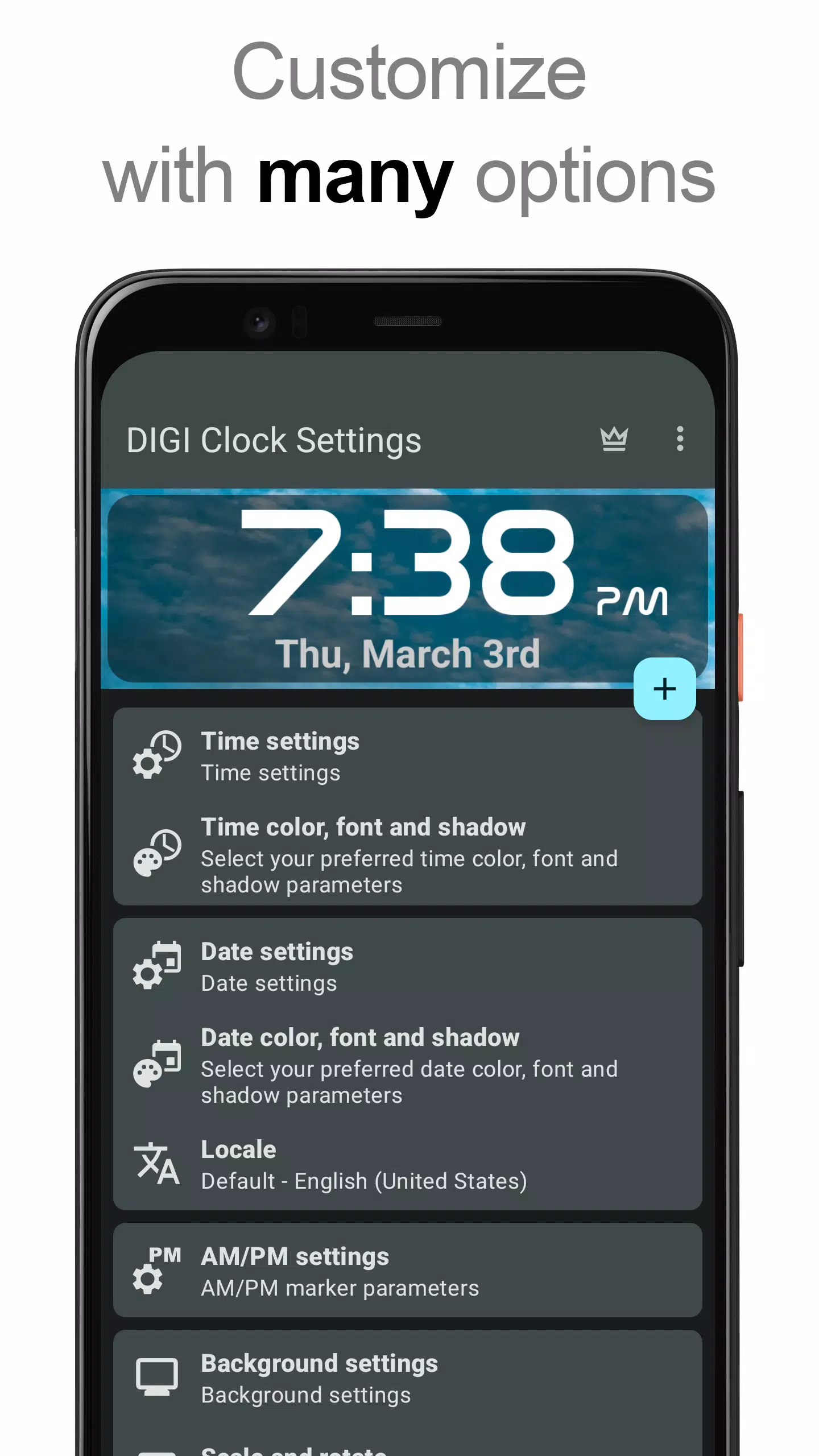
The **DIGI Clock Widget** offers an extensive array of customization options to enhance your user experience:
- Preview the widget during setup to ensure it meets your expectations.
- Customize widget click actions, allowing you to open the alarm app, access widget settings, or launch any installed application with a tap.
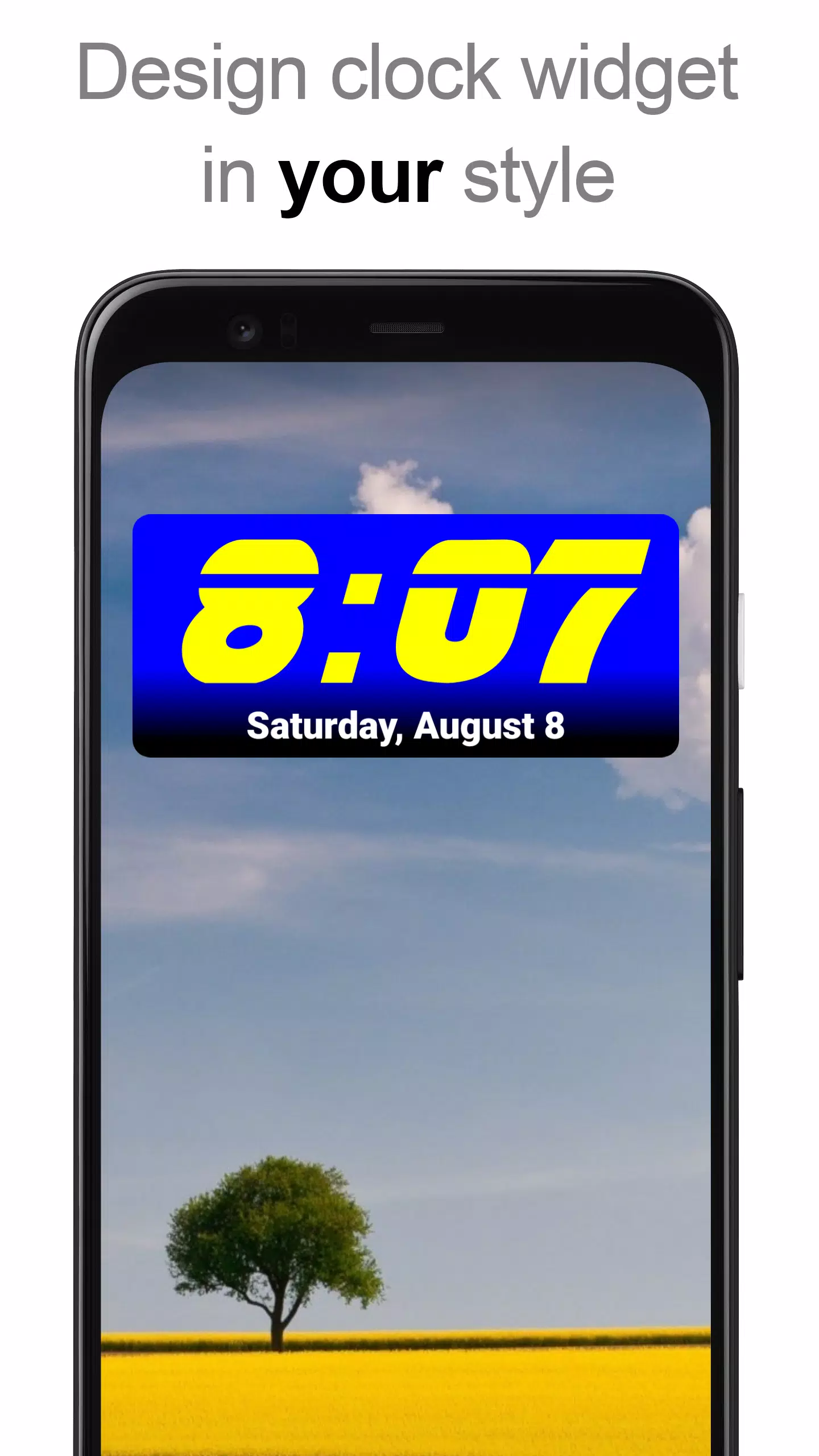
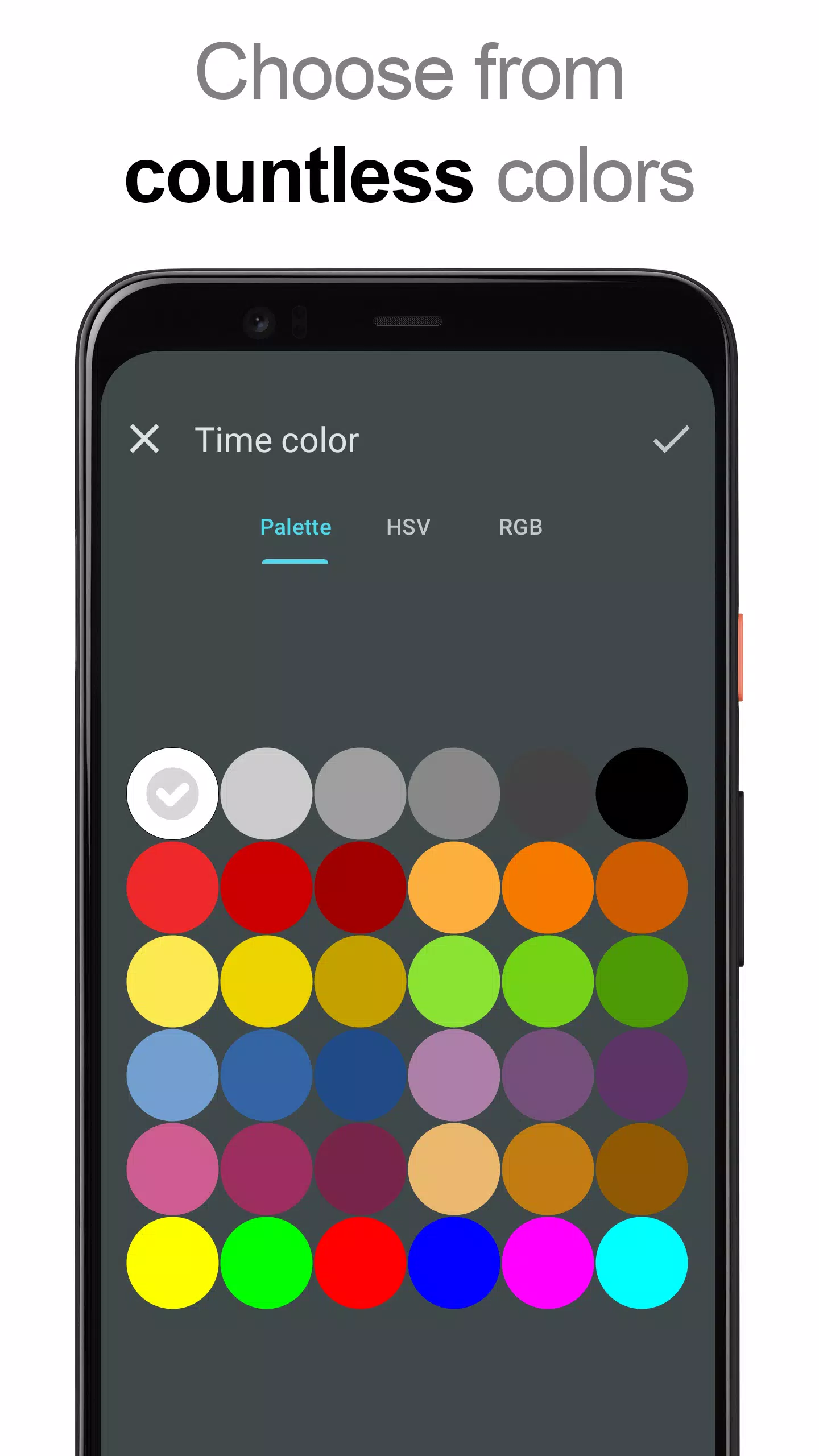
- Choose your preferred colors for displaying the time and date.
- Add a shadow effect with a selectable color to give your widget depth.
- Include outlines for a more defined look.
- Set your locale preference to display the date in your language.
- Select from a plethora of date formats or customize your own.
- Toggle the visibility of AM-PM indicators.
- Switch between 12 and 24-hour time formats.
- Add an alarm icon for quick access to your alarm settings.
- Optionally show time with seconds on the 4x1 and 5x1 widgets.
- Customize the widget background with selectable colors and adjustable opacity from 0% (fully transparent) to 100% (completely opaque).
- Choose a single color, a two-color gradient, or use your own photo as the widget background.
- Select from over 40 stunning fonts for time and date, with hundreds more available for download, or use your favorite font file from your device.
- Designed to be compatible with Android 11 and optimized for tablet use.
...and much more to explore!
How to Use?
To enhance your Home screen with the **DIGI Clock Widget**, follow these steps:
- Press the plus (+) button below the widget preview when available.
- Select your desired widget size.
- Add the widget to your Home screen from the shown dialog.
Alternatively, you can add the widget manually:
- Long press an empty space on your home screen.
- Click “Widgets” from the options displayed.
- Scroll down until you find "DIGI Clock."
- Touch and hold the desired widget’s icon, slide your finger to where you want to place it, and lift your finger to drop it in place.
Please note that these instructions may vary depending on your device or its manufacturer. If "DIGI Clock" does not appear in your list of widgets, try restarting your device.
NOTICE
For optimal performance, please exclude the **DIGI Clock Widget** from any task killers. This will prevent time freezing issues in most cases.
Thank you for choosing **DIGI Clock Widget**—enjoy the customization and functionality it brings to your device!