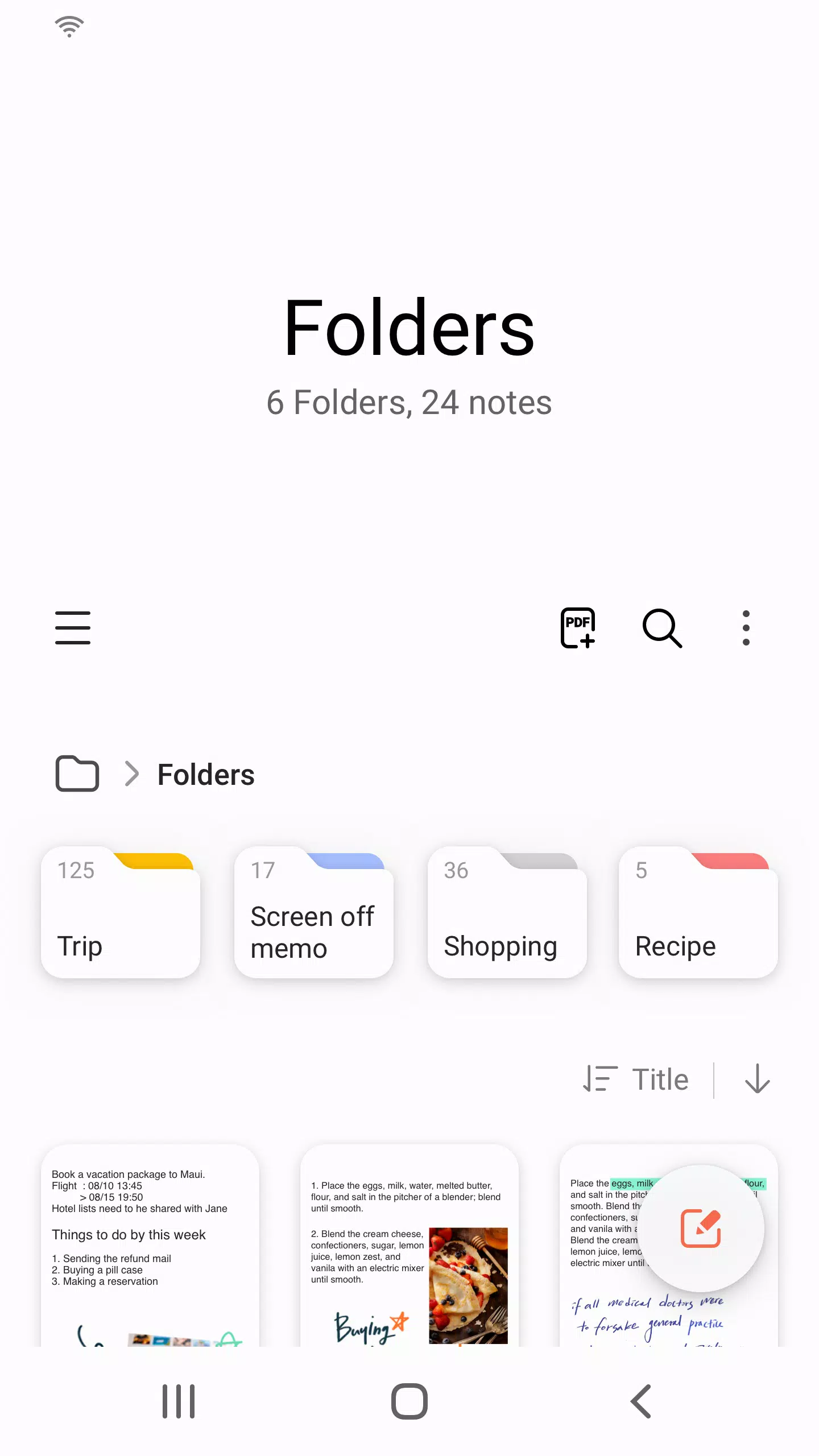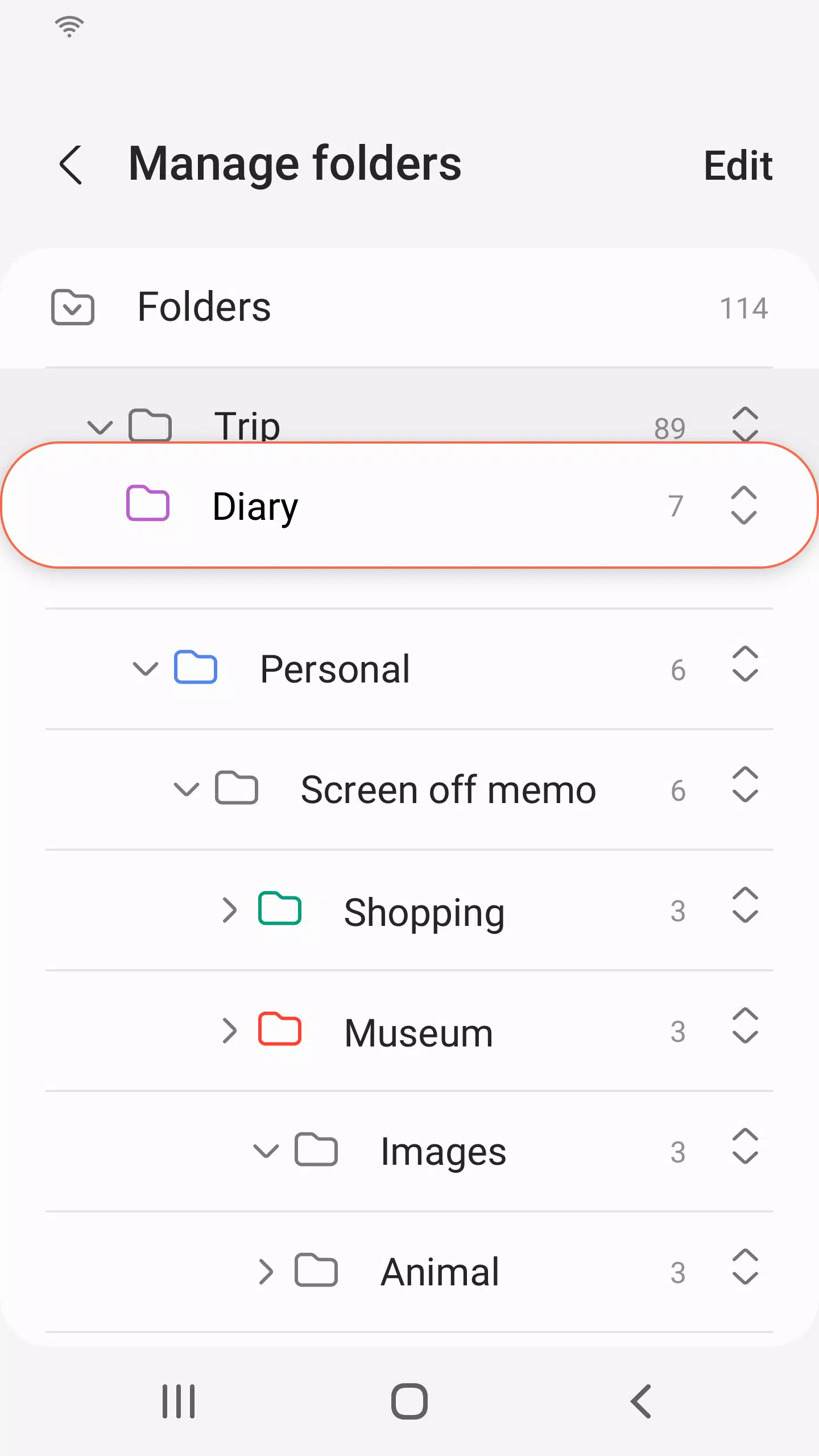

Samsung Notes is a versatile tool that enables you to create and edit documents seamlessly across your mobile, tablet, or PC. It's designed not just for individual use but also to facilitate collaboration with others, making it an essential app for productivity and teamwork.
With Samsung Notes, you can add annotations to PDFs using the S Pen, which is perfect for detailed feedback or personal notes. You can also create rich documents that include images or voice recordings, enhancing your note-taking experience. The app's compatibility extends to various other apps, allowing you to connect your documents with PDF, Microsoft Word, Microsoft PowerPoint, and more for a streamlined workflow.
Getting Started with Samsung Notes
To begin using Samsung Notes, simply tap the + icon in the bottom right corner of the main screen to create a new note. These newly created notes will save with the "sdocx" extension, ensuring they are easily recognizable and manageable within the app.
Securing Your Notes
Protecting your notes is straightforward. From the main screen, tap More Options in the upper right corner, then select Settings and choose Lock Note. Here, you can select a note locking method and set a password. To lock specific notes, go to the note you want to protect, tap More Options, and select Lock Note. This feature ensures your sensitive information remains secure.
Enhancing Your Notes
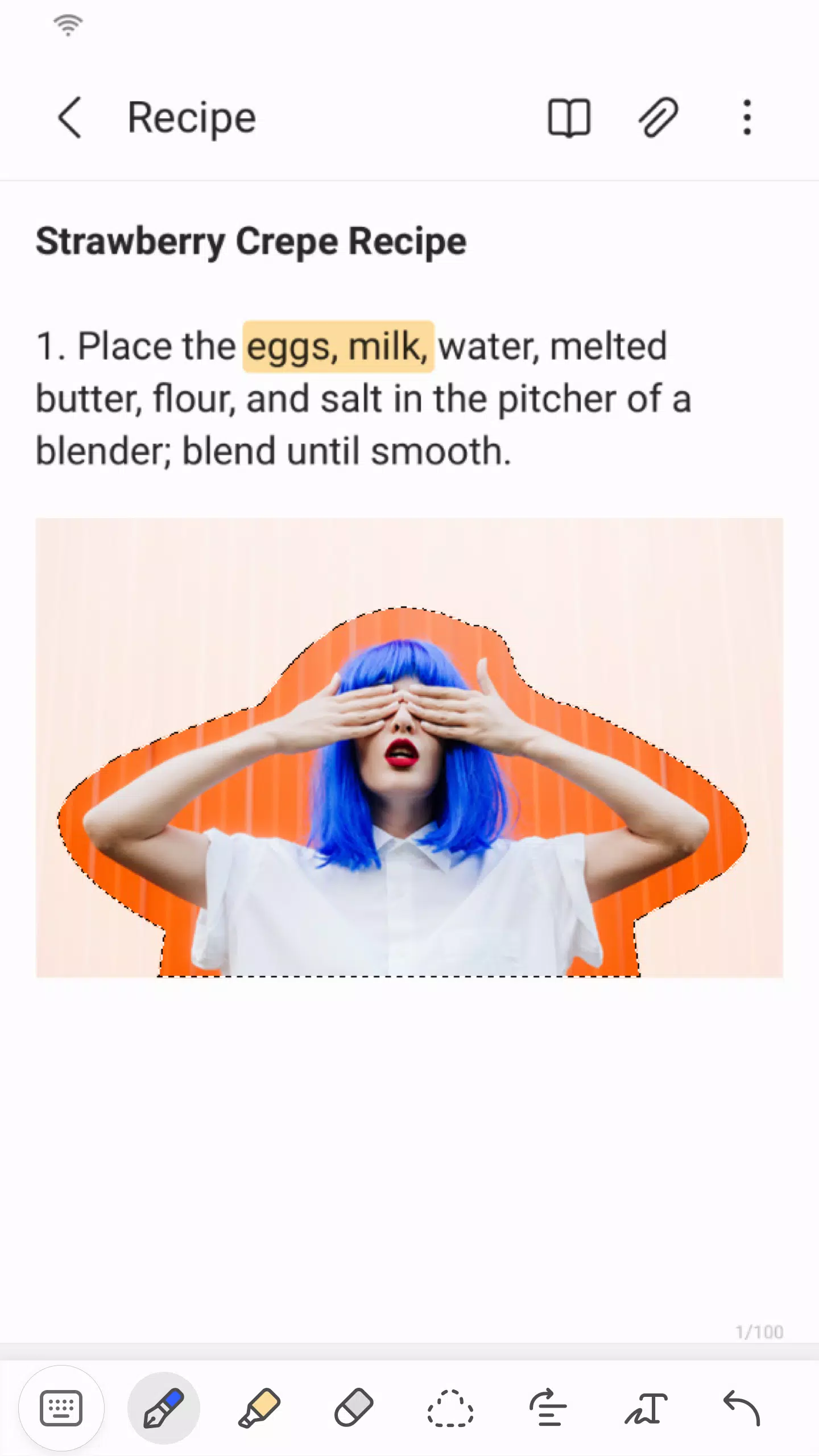
Creating handwritten notes is as easy as tapping the Handwriting icon while composing a note. Your handwriting will appear directly on the note, offering a natural and intuitive way to jot down ideas. Additionally, you can enhance your notes by adding photos; just tap the photo icon within a note to either snap a new picture or load and edit an existing one. For audio notes, tap the Voice Recording icon to capture sound directly into your note, adding another dimension to your documentation.
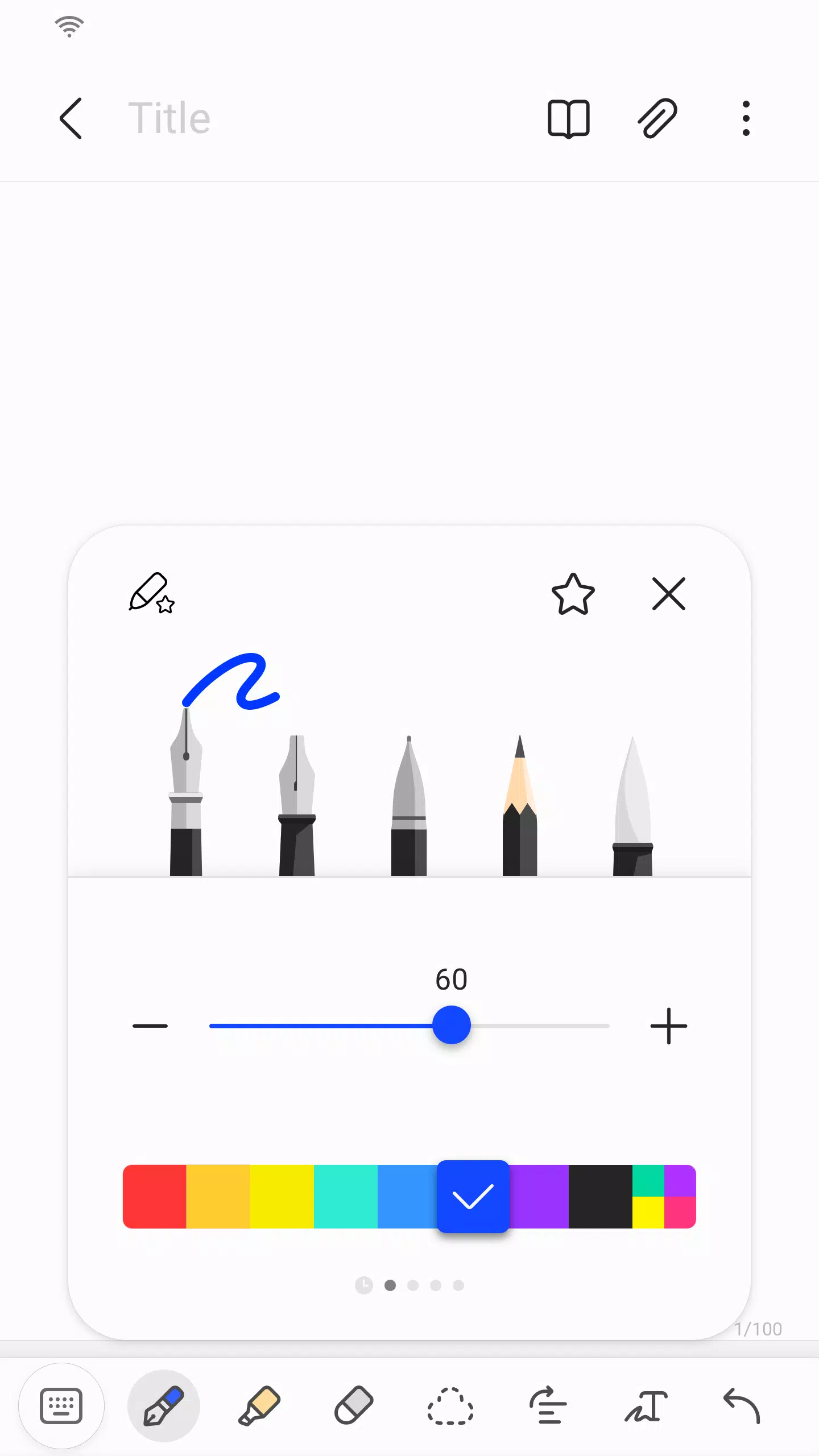
Samsung Notes also provides a variety of writing tools. By tapping the Pen icon, you can choose from pens, fountain pens, pencils, highlighters, and more, along with various colors and thicknesses to suit your style. If you need to make corrections, the Eraser icon lets you remove content with ease.
Importing Existing Notes
With the Smart Switch feature, you can import data from S Note and Memo saved on other devices, ensuring a smooth transition to Samsung Notes. You can also import previously created notes and memos using your Samsung account, keeping all your important information in one place.
Permissions and Privacy
Samsung Notes requires certain access permissions to function optimally. Required permissions include Storage access, which is necessary for saving or loading document files. Optional permissions, such as access to Photos and Videos, Notifications, Music and Audio, Phone, Microphone, and Camera, enhance the app's functionality but are not mandatory for basic use. You can enjoy the core features of Samsung Notes even if you choose not to grant these optional permissions.
What's New in the Latest Version 4.9.06.8
The latest update to version 4.9.06.8, released on August 29, 2024, includes minor bug fixes and improvements. Updating to this version ensures you have the most stable and feature-rich experience with Samsung Notes.